










Table of Contents
◉ Introduction ◉ Definitions & Context ◉ Feature Matrix ◉ Step-by-Step Guide ◉ Pros, Cons & Risk ◉ Mini Case Study ◉ Common Mistakes & Tips ◉ FAQs ◉ Conclusion
PDFs still rule the business world—an estimated 3 trillion files are in circulation worldwide — so picking the right Acrobat plan can save you serious time (and money). In 2024 – 2025 Adobe expanded its line-up beyond the familiar Free Reader, Standard, and Pro tiers to a brand-new “Premium” plan that bundles every Pro feature with the AI-powered Acrobat AI Assistant. This guide shows exactly how the four tiers differ, when each one makes sense, and how to avoid common upgrade traps.
🏃♂️ Don’t have Acrobat Pro yet?
Grab the full version FREE for 7 days and follow this guide step-by-step.
Download Free Trial
Grab the full version FREE for 7 days and follow this guide step-by-step.
Download Free Trial
Definitions & Context
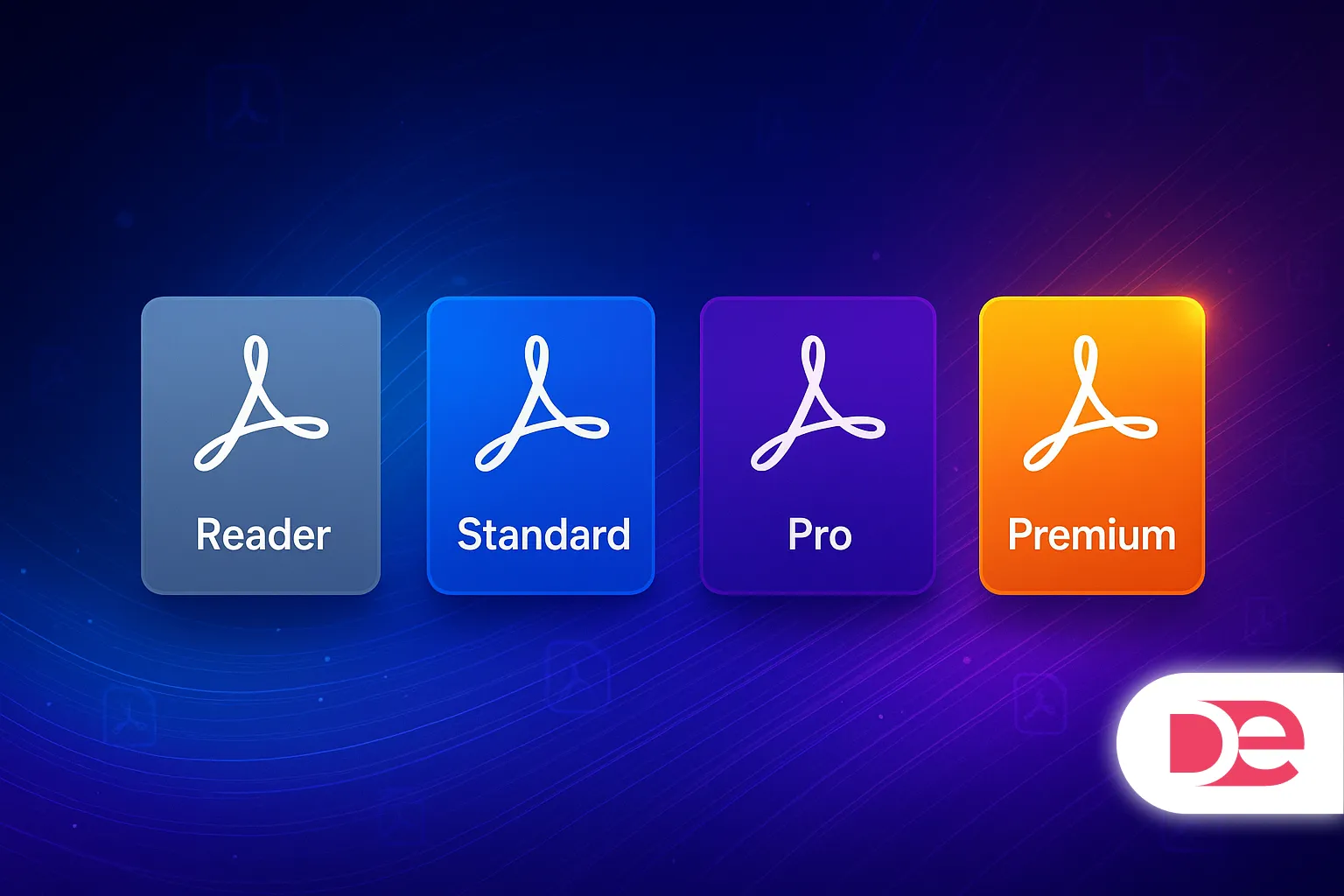
• Acrobat Reader (Free). Lets you open, search, annotate, sign, share, and print PDFs on any device. No editing or creation tools are included.
• Acrobat Standard. Adds essential PDF creation and editing on Windows only—think text/image edits, page re-order, basic password protection, and single-signature e-sign requests. Costs $12.99 /mo on an annual plan.
• Acrobat Pro. Everything in Standard plus cross-platform support (Windows & macOS), OCR for scanned docs, compare files, redaction, preflight, advanced e-sign workflows, and PDF/X/A/E compliance. Runs $19.99 /mo on an annual plan.
• Acrobat Premium (new, 2025). Combines every Pro capability and includes Acrobat AI Assistant out of the box, so you can chat with documents, auto-summarize, and generate content. Enterprise pricing starts around $356–$376 per user per year (≈ $30 /mo).
Feature Matrix at a Glance
| Capability | Reader | Standard | Pro | Premium |
|---|---|---|---|---|
| View & annotate | ✔︎ | ✔︎ | ✔︎ | ✔︎ |
| Basic e-sign & forms | ✔︎ | ✔︎ | ✔︎ | ✔︎ |
| Create & edit PDFs | ✔︎ | ✔︎ | ✔︎ | |
| Convert to Office | ✔︎ | ✔︎ | ✔︎ | |
| Windows & macOS | ✔︎¹ | ✔︎ | ✔︎ | |
| OCR scanned docs | ✔︎ | ✔︎ | ||
| Redact & compare | ✔︎ | ✔︎ | ||
| Unlimited bulk e-sign | ✔︎ | ✔︎ | ||
| Acrobat AI Assistant | Add-on | Add-on | Add-on | Included |
| Typical price (indiv.) | Free | $12.99 /mo | $19.99 /mo | ≈ $30 /mo |
¹ Reader supports macOS, but Standard is Windows-only. Pricing based on U.S. annual, billed-monthly rates (April 2025).

Work Smarter with the Latest Acrobat
Edit, sign, protect & now chat with your PDFs — all in one app.
Get Acrobat NowStep-by-Step Guide: Choosing the Right Plan
Step 1 – List Your PDF Workflows.
• Do you only read, sign, and share? Reader may suffice.
• Need quick edits, conversions, or password protection? Standard covers basics.
• Handle contracts, large scan batches, or compliance audits? Pro’s OCR, redaction, and compare tools are worth it.
• Want AI summaries, multi-doc chat, and future-proofing? Premium (or Pro + AI add-on) pays back in saved hours.
Step 2 – Count e-Signatures. High-volume or bulk senders should skip Standard; Pro and Premium include advanced Adobe Sign routing.
Step 3 – Check Platform Needs. Mac users jump directly to Pro or Premium—Standard is Windows-only.
Step 4 – Compare True Cost.
• Standard: $155.88/yr (annual plan).
• Pro: $239.88/yr.
• Premium: ≈ $360 +/yr but bundles AI (otherwise +$59.88 yr as add-on).
Step 5 – Pilot Before You Buy. Use Pro’s 7-day trial or add AI Assistant monthly to test value without a full commitment.
Pros, Cons & Risk Management
• Reader Pros: Free, lightweight. Cons: No editing—hidden productivity tax when you end up re-exporting in Word.
• Standard Pros: Cheapest editor, solid for HR & finance clerks. Cons: Windows-only; lacks redaction & OCR, leaving compliance gaps.
• Pro Pros: Full toolset, cross-platform, advanced security. Cons: Higher learning curve; AI sold separately.
• Premium Pros: Everything + AI Assistant; future “Firefly for PDF” features arrive here first. Cons: Highest price; budgeting challenge for very small teams.
Risk Tips
• Avoid ghost licenses. Audit active users quarterly to prevent paying for unused seats.
• Sandbox sensitive docs before using AI. While Adobe says content isn’t used to train models, lock down confidential PDFs or anonymize first.
Mini Case Study: Atlas Legal Consulting
Scenario. A 10-lawyer boutique firm relied on free Reader plus manual note taking—averaging 3 hours to review a 70-page contract. After a two-week Premium pilot the team:
• Slashed first-pass reviews to 45 minutes using AI Assistant summaries.
• Redacted PII 60 % faster via Pro-level redaction.
• Recovered costs in month three, even at ~ $300 per seat.
Lesson: For doc-heavy industries, Premium’s AI speed bump quickly outweighs the higher subscription.
Common Mistakes & Expert Tips
• Mistake: Buying Standard for Macs and discovering it’s Windows-only.
• Tip: If your fleet is Mac-heavy, budget for Pro from day one.
• Mistake: Ignoring redaction features and manually black-boxing text (still searchable!).
• Tip: Use Pro/Premium’s true Redact tool which burns data irreversibly.
• Mistake: Letting AI Assistant hallucinate unchecked.
• Tip: Always click the built-in citation links before pasting a summary outward.
• Mistake: Paying twice for e-sign tools.
• Tip: Acrobat Pro/Premium already include Adobe Sign—retire separate DocuSign seats to fund the upgrade.
FAQs
Conclusion: Match Features to Workflows
If you mostly read and sign, stick with Reader and grab the AI add-on when you’re drowning in documents. Creators who need basic edits can choose Standard—but only on Windows. Cross-platform teams, compliance-driven industries, or anyone who redacts and collates daily should land on Pro. And if your competitive edge hinges on summarizing, querying, and reusing information lightning-fast, Premium (or Pro + AI Assistant) will pay for itself in weeks, not months.
Elevate Your PDFs with Adobe Acrobat →